


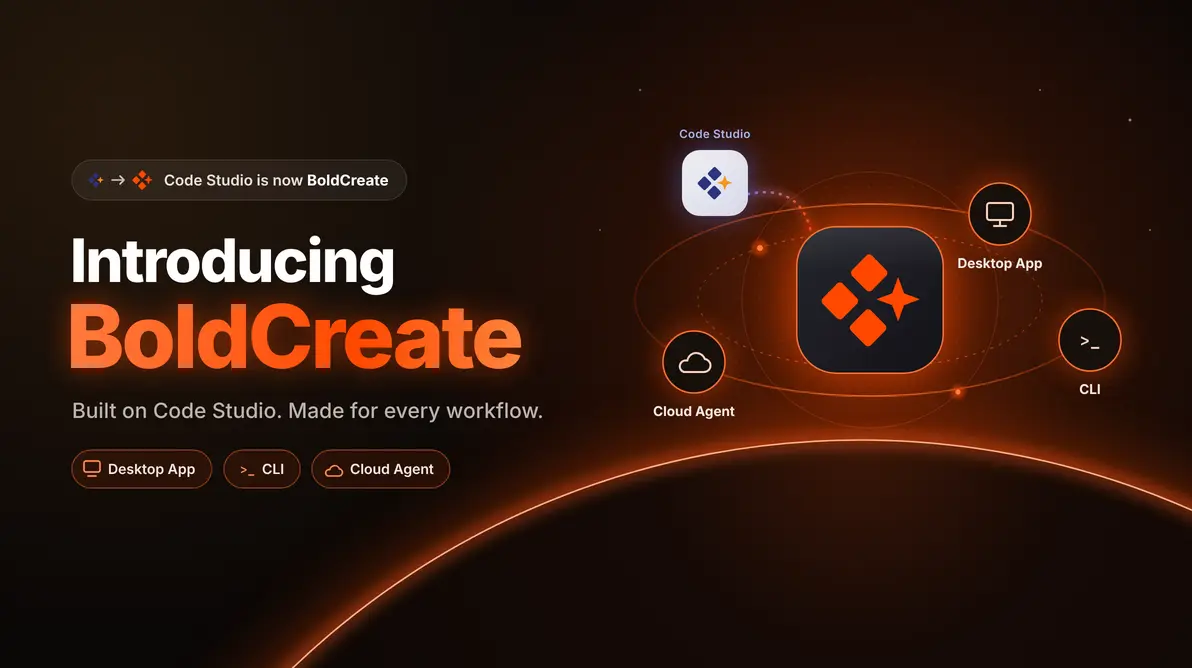
TL;DR: Code Studio is evolving into BoldCreate, bringing together Desktop App, CLI, and Cloud Agent experiences for modern software development. Work with local context on your machine, build from the terminal and CI, and keep approved tasks running in the cloud through a connected AI-powered development platform.
Development work rarely stays in one place. You might debug against a local database, inspect logs from a CI runner, and hand off a longer-running code task that doesn’t need to stay on your laptop.
Built on the foundation of Code Studio, BoldCreate brings together three connected experiences: a Desktop App for local context, a CLI for terminal and CI workflows, and a Cloud Agent for approved tasks that can continue in isolated cloud environments and return as pull requests with supporting evidence.
Whether you’re investigating an issue in a local application, working from the command line, or keeping approved work moving in the cloud, BoldCreate gives teams the flexibility to work where it makes the most sense.
Why BoldCreate?
Code Studio helped developers bring AI into their daily workflow.
As teams adopted AI across more of the development process, new requirements emerged. Some work needed access to local databases and uncommitted changes. Some belonged in terminal and CI workflows. Other tasks could continue running long after developers stepped away from their machines.
BoldCreate brings these workflows together through a platform designed for the realities of modern software development, giving teams more ways to work with AI across local, terminal, and cloud environments.
BoldCreate Desktop App
Your AI team, on your machine, in one window
Some development problems can only be solved where the context already exists.
The local database that contains the issue. The application running on localhost. The code changes that haven’t been committed yet. Or the service that’s only available through a VPN.
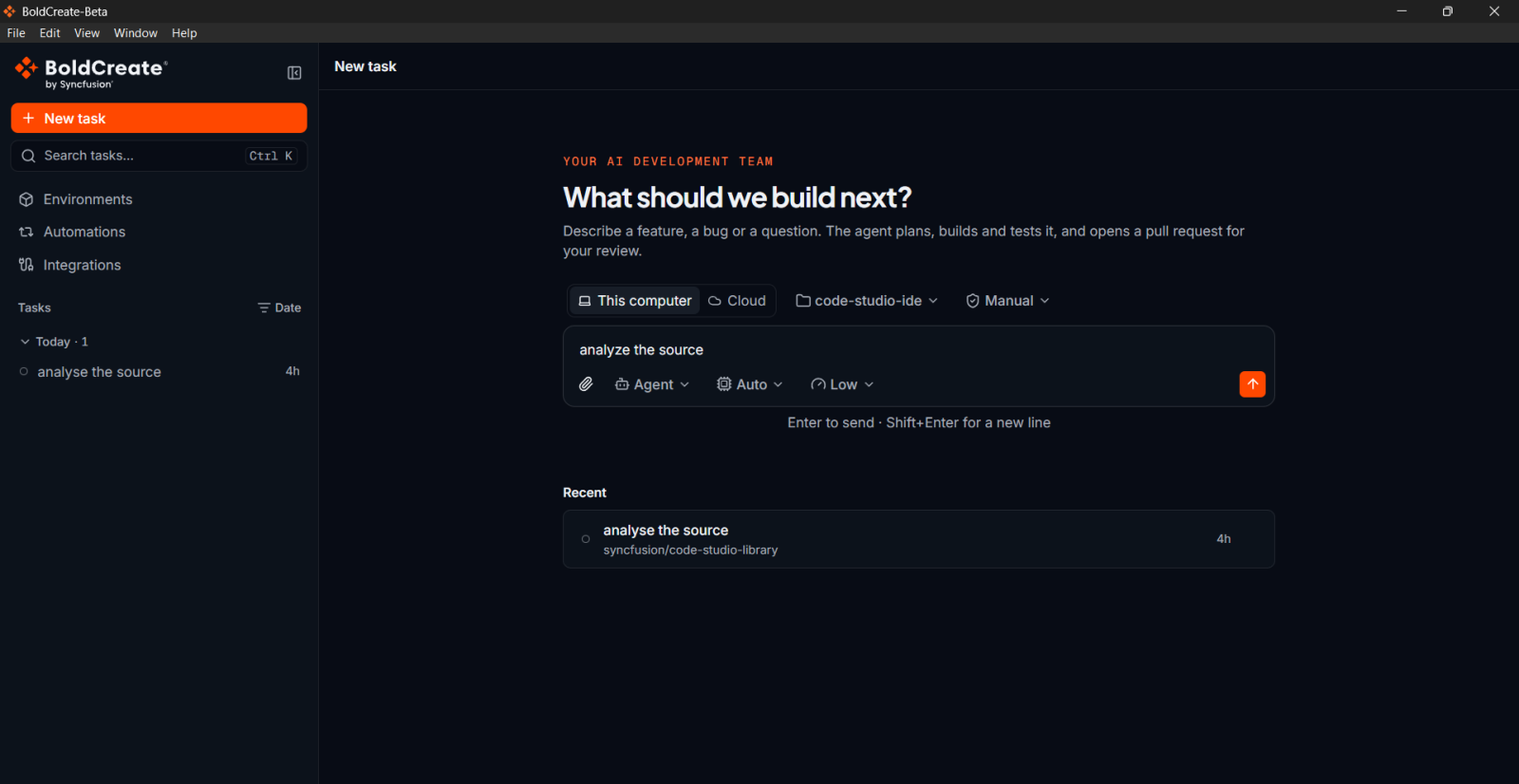
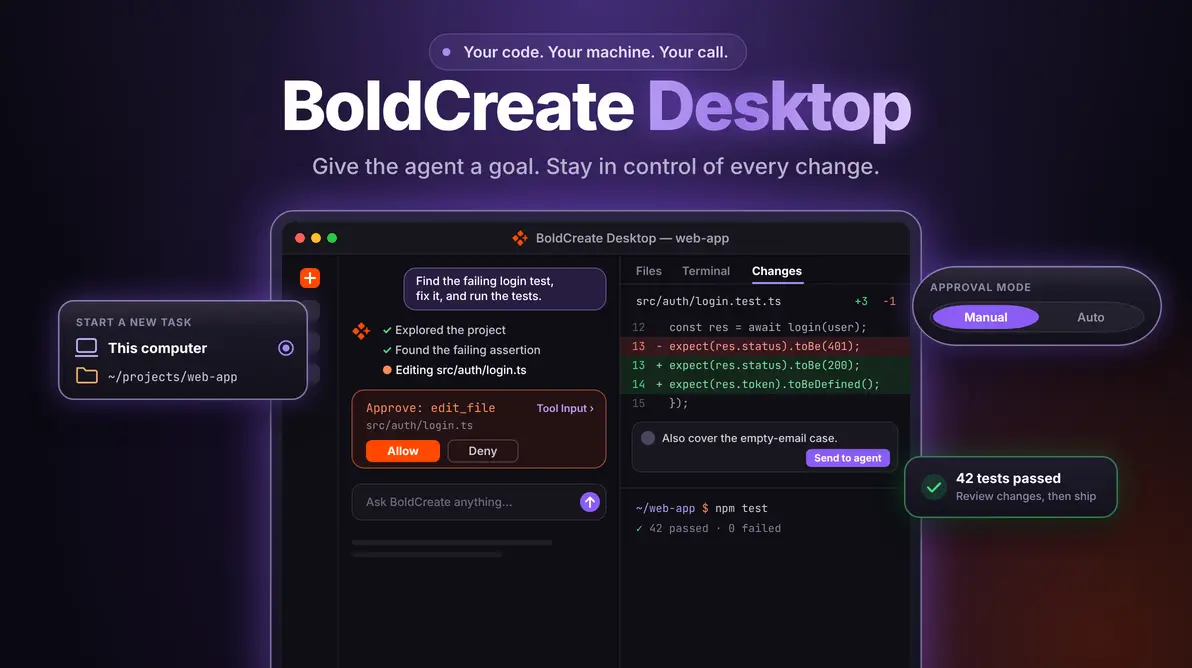
The BoldCreate Desktop App is designed for these scenarios. Developers can work directly with local databases, uncommitted changes, localhost applications, and VPN-accessible services while maintaining visibility and control over every action. Commands can be reviewed before they run, and longer-running work can continue in the cloud when needed.
BoldCreate CLI
AI coding agent for your terminal and CI
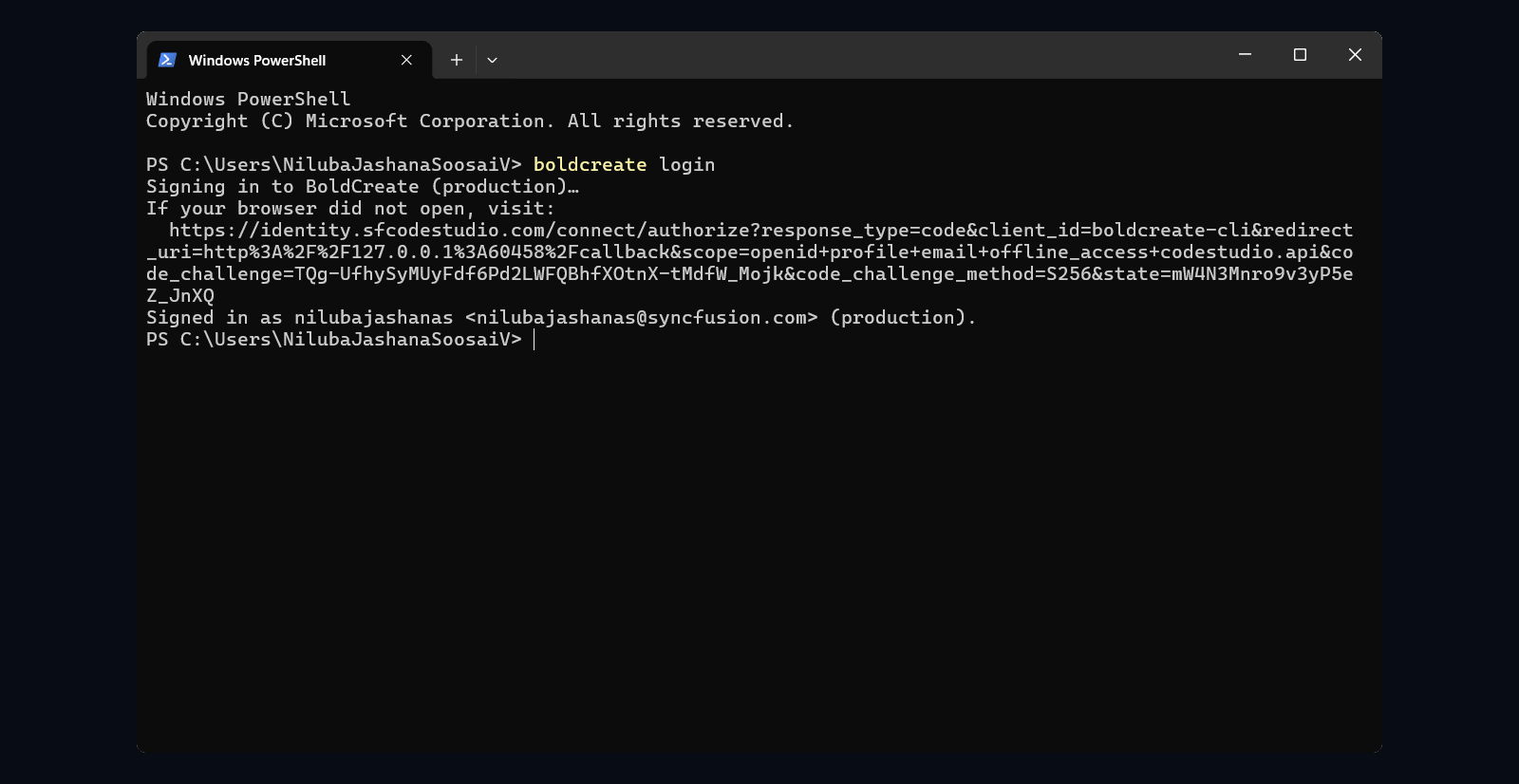
Many development workflows already live in the terminal, and BoldCreate CLI brings AI directly into that environment.
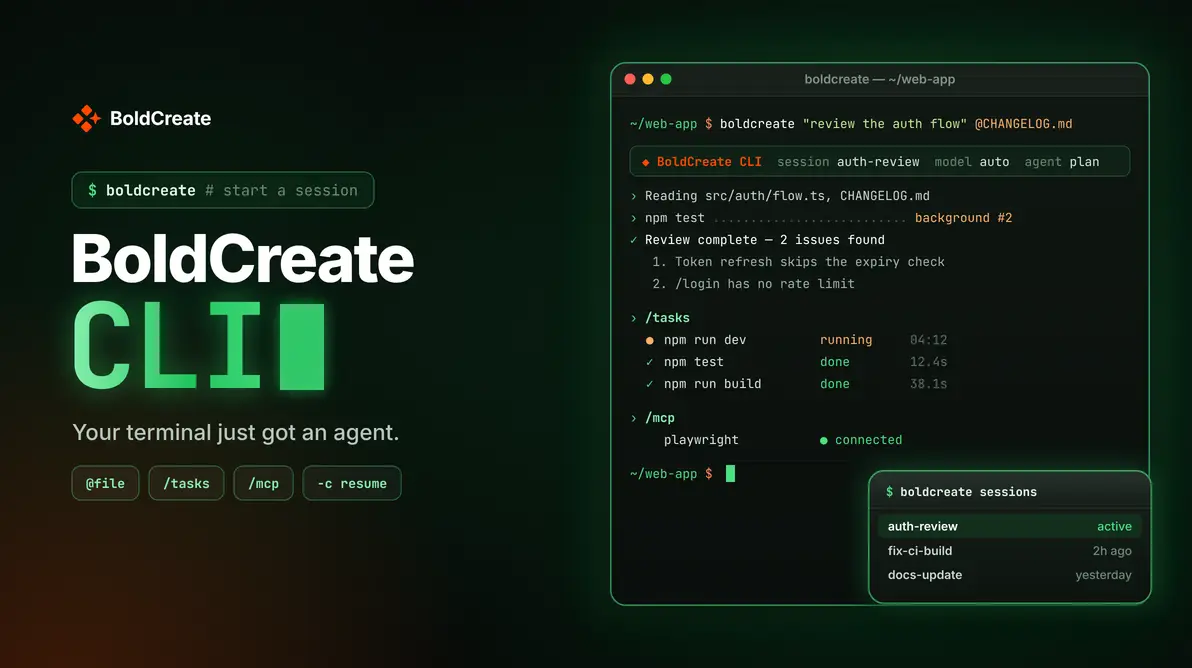
Instead of copying build failures, stack traces, or logs into a separate tool, developers can provide context directly to BoldCreate. The CLI supports interactive sessions, one-time requests, and continuing previous sessions while also enabling AI-powered reviews in CI workflows.
Whether running on a laptop, build server, or CI runner, teams can work with the same configured skills, approval policies, budget settings, and automatic model selection.
BoldCreate Cloud Agent
Keep approved tasks running after you log off
Not every development task needs to stay on a developer’s machine.
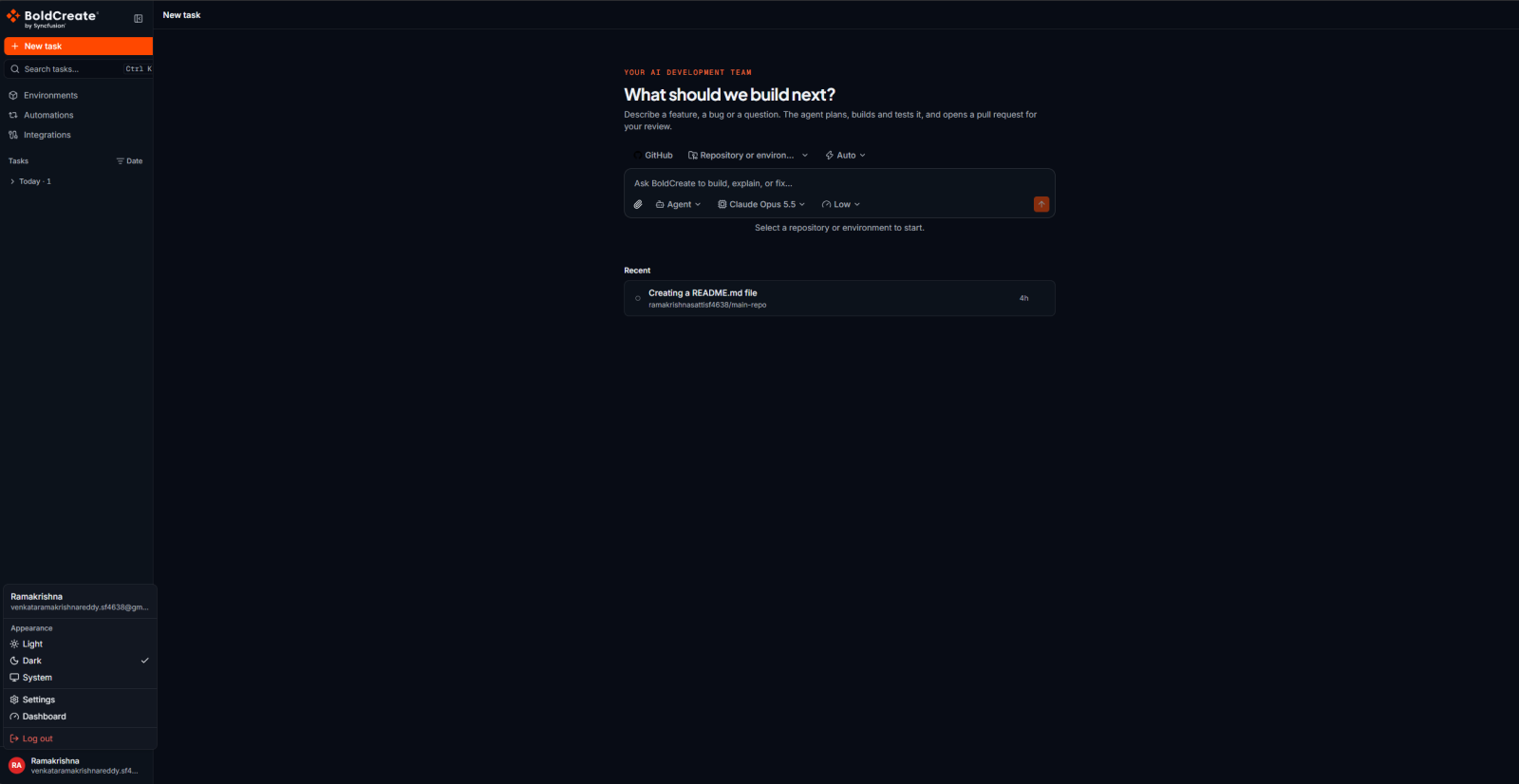
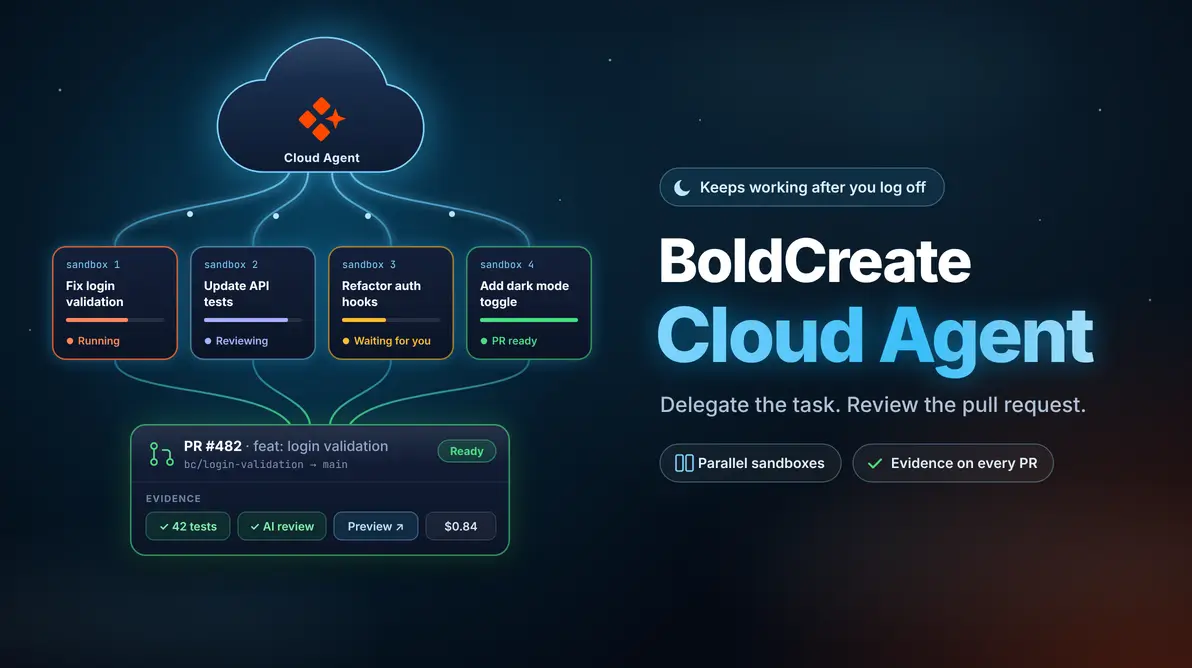
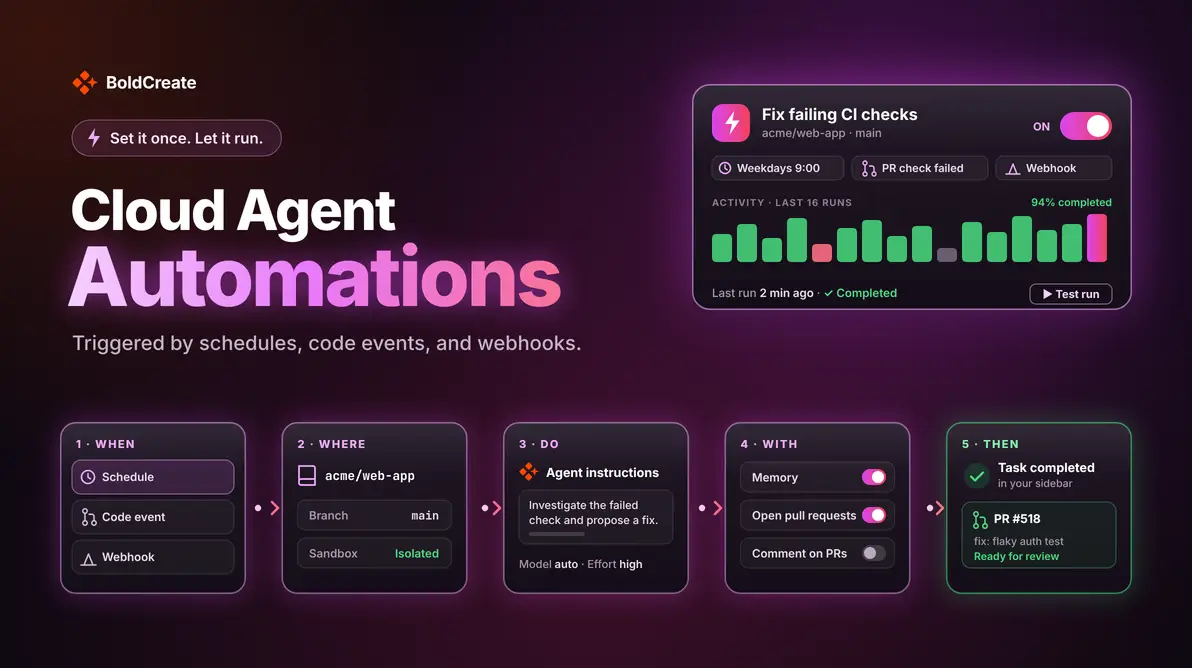
The BoldCreate Cloud Agent keeps approved work moving forward in isolated cloud sandboxes, even after developers have logged off. Each task runs in its own environment, helping parallel work progress independently.
When work is completed, the Cloud Agent returns a pull request together with available evidence such as test results, review findings, task costs, screenshots, and live previews when applicable. And when a decision requires human input, the task pauses and waits for guidance before continuing.
Which BoldCreate Experience Should You Use?
Different development tasks require different environments.
- BoldCreate Desktop App: Use it when work depends on local databases, localhost applications, VPN-accessible services, or uncommitted changes.
- BoldCreate CLI: Use it for terminal-based development and CI workflows.
- BoldCreate Cloud Agent: Use it for approved tasks that can continue running in isolated cloud environments and return as pull requests with available evidence.
Rather than forcing every task into a single workflow, BoldCreate gives teams the flexibility to choose the environment that best fits the work.
One Platform, Multiple Ways to Work
Every team has different workflows.
Some tasks require direct access to local resources. Others fit naturally into terminal and CI environments. And some can continue independently in the cloud after they have been approved.
With the Desktop App, CLI, and Cloud Agent, BoldCreate gives developers the flexibility to choose the environment that best fits the work.
Build locally. Work from the terminal. Keep approved tasks moving in the cloud.
What Changes for Existing Code Studio Users?
Code Studio users will recognize the same focus on AI-assisted software development, but BoldCreate expands that experience beyond a single environment.
With the introduction of BoldCreate Desktop App, BoldCreate CLI, and BoldCreate Cloud Agent, teams can choose the workflow that best fits the task while working across local machines, terminal and CI environments, and cloud-based task execution.
The transition to BoldCreate reflects a broader approach to supporting software development wherever work happens, whether that’s on a local machine, in a terminal session, or inside an isolated cloud environment.
Frequently Asked Questions
BoldCreate is an agentic development platform that brings together three connected experiences: a Desktop App for local development, a CLI for terminal and CI workflows, and a Cloud Agent for approved tasks that run in the cloud.
Code Studio is now BoldCreate. Existing projects migrate automatically, and the Desktop App carries forward the same capabilities under the new name.
No. The three experiences share the same underlying engine, so you can move between the Desktop App, CLI, and Cloud Agent as your needs change without rewriting your work.
The Cloud Agent is built for team workflows that need approval gates and audit trails. Many teams combine all three: the Desktop App for exploration, the CLI for local automation, and the Cloud Agent for team-wide processes.
Conclusion
The transition from Code Studio to BoldCreate represents more than a new name. It reflects an expanded approach to AI-powered software development across local environments, terminal and CI workflows, and cloud-based task execution.
By bringing together the BoldCreate Desktop App, BoldCreate CLI, and BoldCreate Cloud Agent, BoldCreate gives teams the flexibility to work where it makes the most sense while staying connected through a unified development experience.
Whether you’re working with local context on your machine, building from the terminal, or keeping approved tasks moving in the cloud, BoldCreate helps teams move software development forward.
Ready to get started? Explore the BoldCreate Desktop App for local development, use BoldCreate CLI for terminal and CI workflows, or start your first Cloud Agent task for approved work running in the cloud.
Leave a comment
Join the discussion by signing in with your account.
Sign in to comment